macOS app

OnRecord
The cockpit for a car dealership. It records the conversations that matter, keeps the notes with them, tracks what you’re owed, and builds your calendar around the follow-ups.
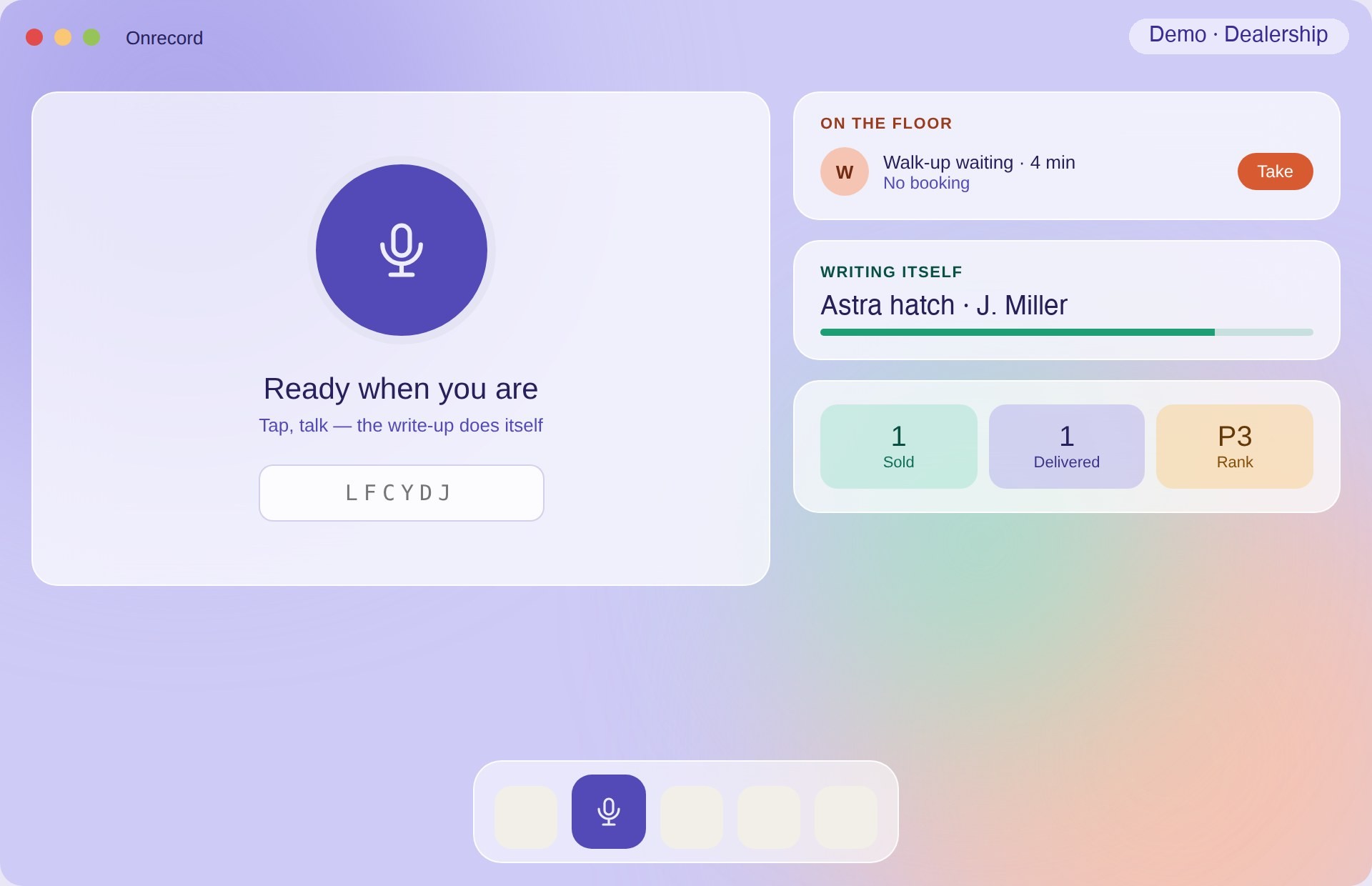
What it does
- ✓Records the conversation — the part everything else depends on, with your notes attached to it
- ✓Recordings stay on the Mac — they are kept on the device, not shipped off to a server
- ✓Plugs straight into HubSpot — the write-up lands on the deal instead of being retyped
- ✓Tracks your pay — what you have earned, and what is still owed
- ✓Builds your calendar — follow-ups scheduled off the back of the conversation
- ✓Google sign-in — no separate password to manage
Notarised by AppleSigned with a Developer ID certificate and notarised, so macOS opens it without warnings.
Updates itselfBuilt on Sparkle — new versions install in place, no re-downloading.
UniversalOne build for Apple silicon and Intel Macs. About 38 MB installed.
Installing
- Download the installer using the button above.
- Open Install-Onrecord.pkg and follow the prompts. It is notarised by Apple, so macOS will not block it.
- Sign in with your Google account.
- Launch Onrecord from your Applications folder. It will keep itself up to date from then on.
Trouble installing or running it? Get in touch and we’ll help.